
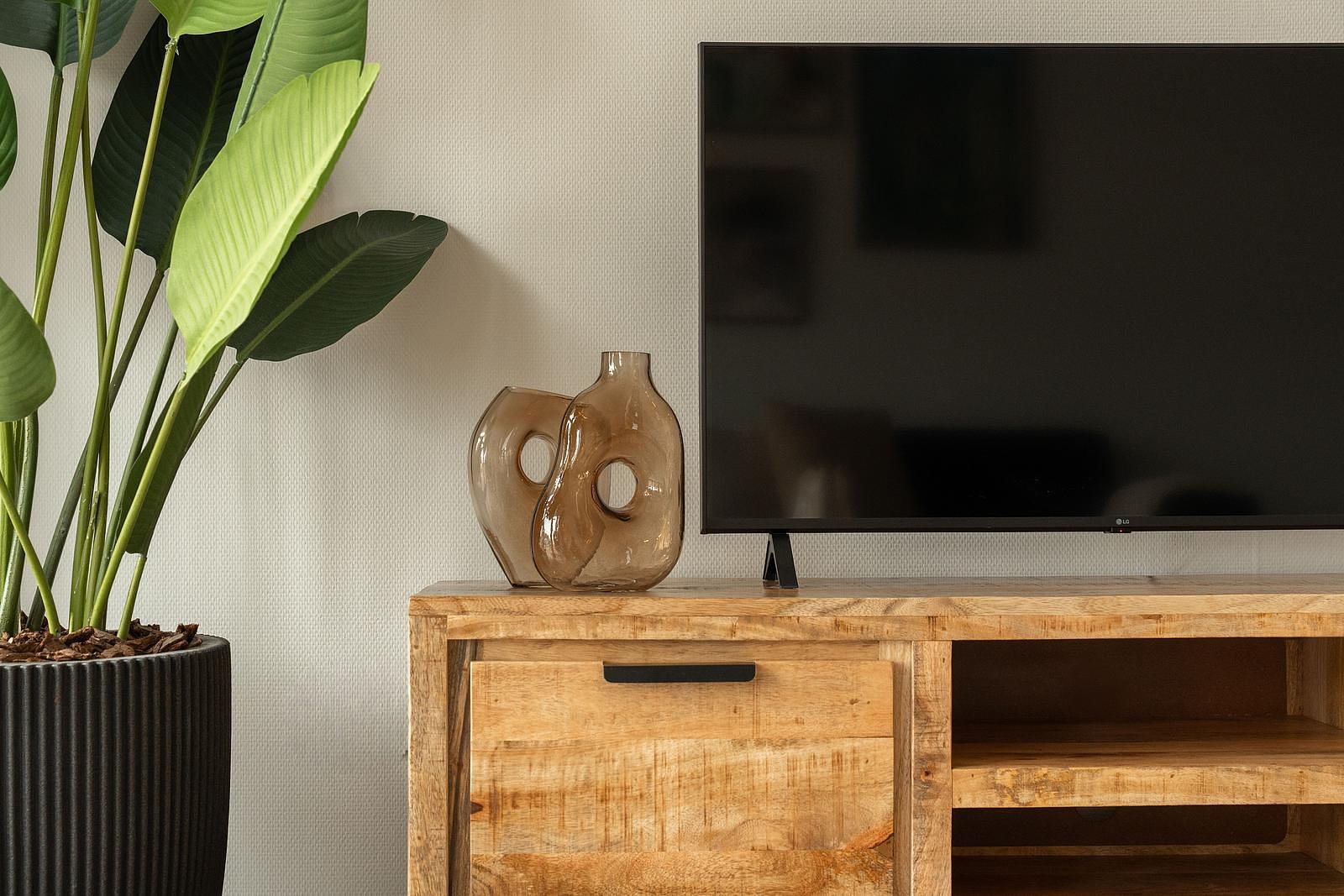
SMART TV
SMART TV | LG
Watch your favorite movies & series and relax optimally during your stay!
Chill mode = on
- Take the black remote control and turn on the TV with the red button in the upper left corner
- You enter the main menu and see a row of all available apps
Chill mode = on
Check out your favorite channels!
- From the menu, choose the "DELTA-TV" app to watch live & on-demand TV
- Go down 2x with the arrow keys until you get to "all channels" and NPO 1 is selected
- Click on NPO 1 to enter the Live TV menu. You can now use the buttons on the remote to zap to other channels and control the volume
Chill mode = on
Don't forget to log out when you leave!
- From the menu, choose the "DELTA-TV" app to watch live & on-demand TV
- Or choose one of the pre-installed streaming apps to watch your favorite movies and series!
- Then enjoy all your favorite movies & series!
Please note that to use streaming services you need to log in with your own account. Don't forget to log out again when you leave! It is not allowed to download your own apps on the TV without explicit permission from reception.